Billing & subscriptions
Where to see your subscriptions and invoices, cancel a subscription, and how refunds work.
What it is
Billing & invoices lives inside your account settings. It shows your active subscriptions (plan, start date, next renewal, billing interval, auto-renew status), your full invoice history, and links to your saved payment methods.
Where to find it
Panel → Account setting → Billing & invoices, signed in.
Cancel a subscription
- Open Account setting → Billing & invoices.
- In the Subscriptions table, find the plan you want to end and open its row menu (⋯ / More details).
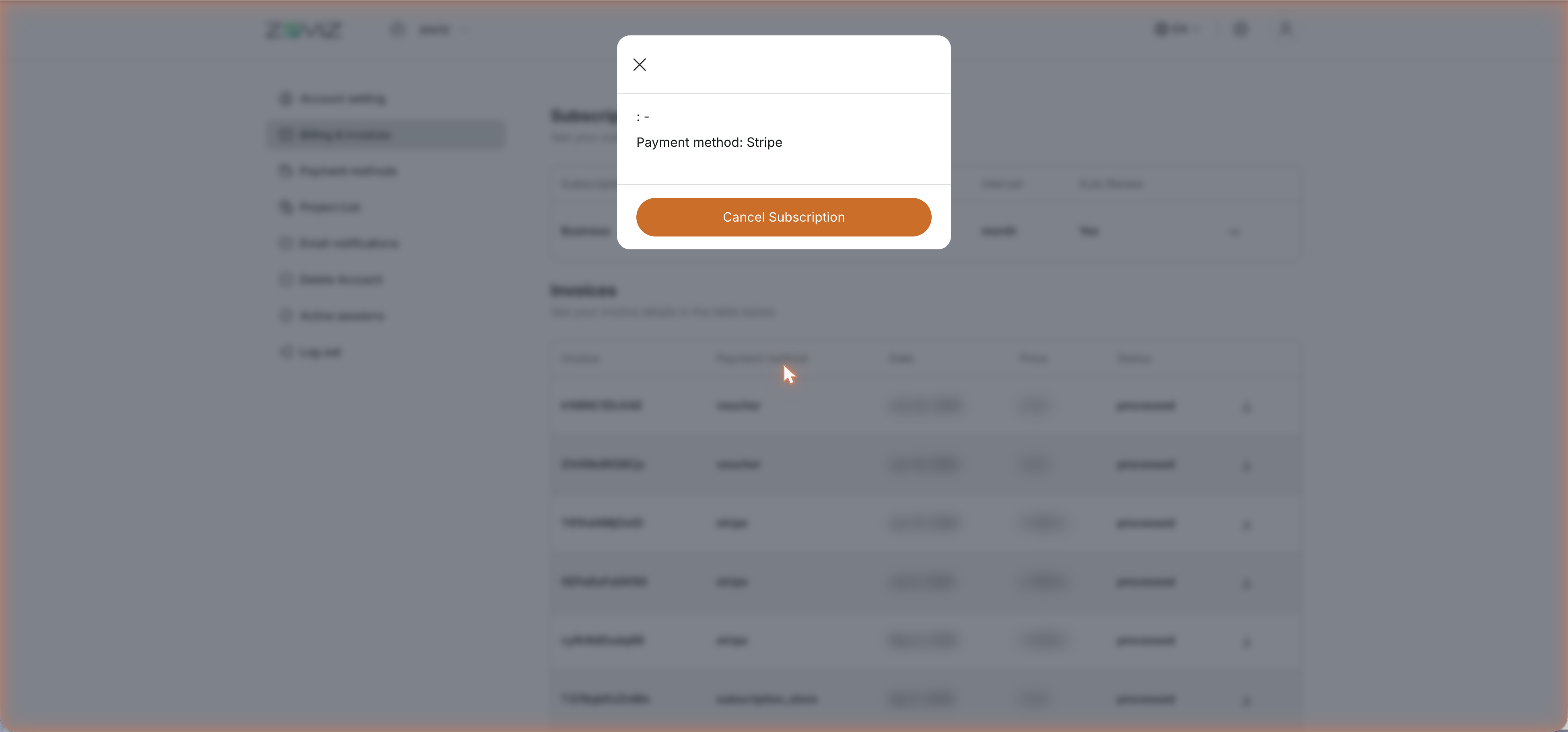
- A dialog opens showing the subscription's payment method, with a Cancel Subscription button.
- Confirm the cancellation.
Subscribed through the mobile app? Purchases made via the App Store or Google Play are billed by the store, not by Zoviz — manage or cancel those in your device's subscription settings. [Confirm: exact store-subscription handling]
What you lose when you cancel — and what you keep
Canceling ends the plan's benefits, so check this list before you confirm:
You lose:
- The monthly credit allowance. Your plan's included credits stop being added each month.
- Access to the plan's dashboard and tools. Subscription features close when the plan ends.
You keep:
- Your account. Canceling a subscription is not account deletion — you can still sign in, and you can resubscribe any time.
- Unlocked brands, forever. Licensing is per-brand and one-time. A canceled subscription doesn't re-lock brands you've already unlocked, and files you've downloaded remain yours (see Licensing).
[Confirm: whether plan access runs until the end of the already-paid period, and whether unused plan credits or separately purchased credit packs survive cancellation]
Invoices and payment methods
- Invoices — every charge is listed under Billing & invoices with its ID, payment method, date, amount, and status.
- Payment methods — saved cards are managed under Account setting → Payment methods.
Refunds
Zoviz sells digital assets with instant delivery, so the refund policy is strict: refunds are generally not offered once a purchase is made. Two exceptions may qualify:
- Asset discrepancy — the delivered asset significantly differs from what you previewed before purchase.
- Damaged files — the files are corrupted or unusable and Zoviz cannot promptly fix or replace them.
If either applies, contact [email protected] within 48 hours of purchase with details and proof; requests are assessed case by case.
Two things to know before asking:
- Downloading breaks exclusivity. Every Zoviz icon is unique — once your files have been downloaded, the design can no longer be sold as exclusive, so refunds are not possible after download. Valid cases are still reviewed individually.
- Refunds void related affiliate commission. If the purchase came through an affiliate link, refunding it also cancels that affiliate's earnings on it.
Tip: use the free previews generously before buying — that's exactly what they're for.
Related
Still stuck? Contact Zoviz support or ask Zoviz.